
TBT #10: Mass Compile and PL/EDIT --- 1980s Productivity Tools, Reborn on COR24 PL/SW
2353 words • 12 min read • Abstract
| Resource | Link |
|---|---|
| PL/SW Live Demo | sw-embed.github.io/web-sw-cor24-plsw |
| PL/EDIT documentation | docs/pl-edit.md |
| Mass Compile documentation | docs/mass-compile.md |
| Video walkthrough (YouTube) | youtube.com/watch?v=9KQ3ohU4BHE |
| PL/SW (the language) | sw-embed/sw-cor24-plsw |
| Web demo source | sw-embed/web-sw-cor24-plsw |
| Prior posts | TBT #9: UNIVAC Startrek, TRS-80 Adventures, and COR24 BASIC · Bucket List #3: Mass Compile + PL/EDIT context |
| Comments | Discord |
The AQ Setting
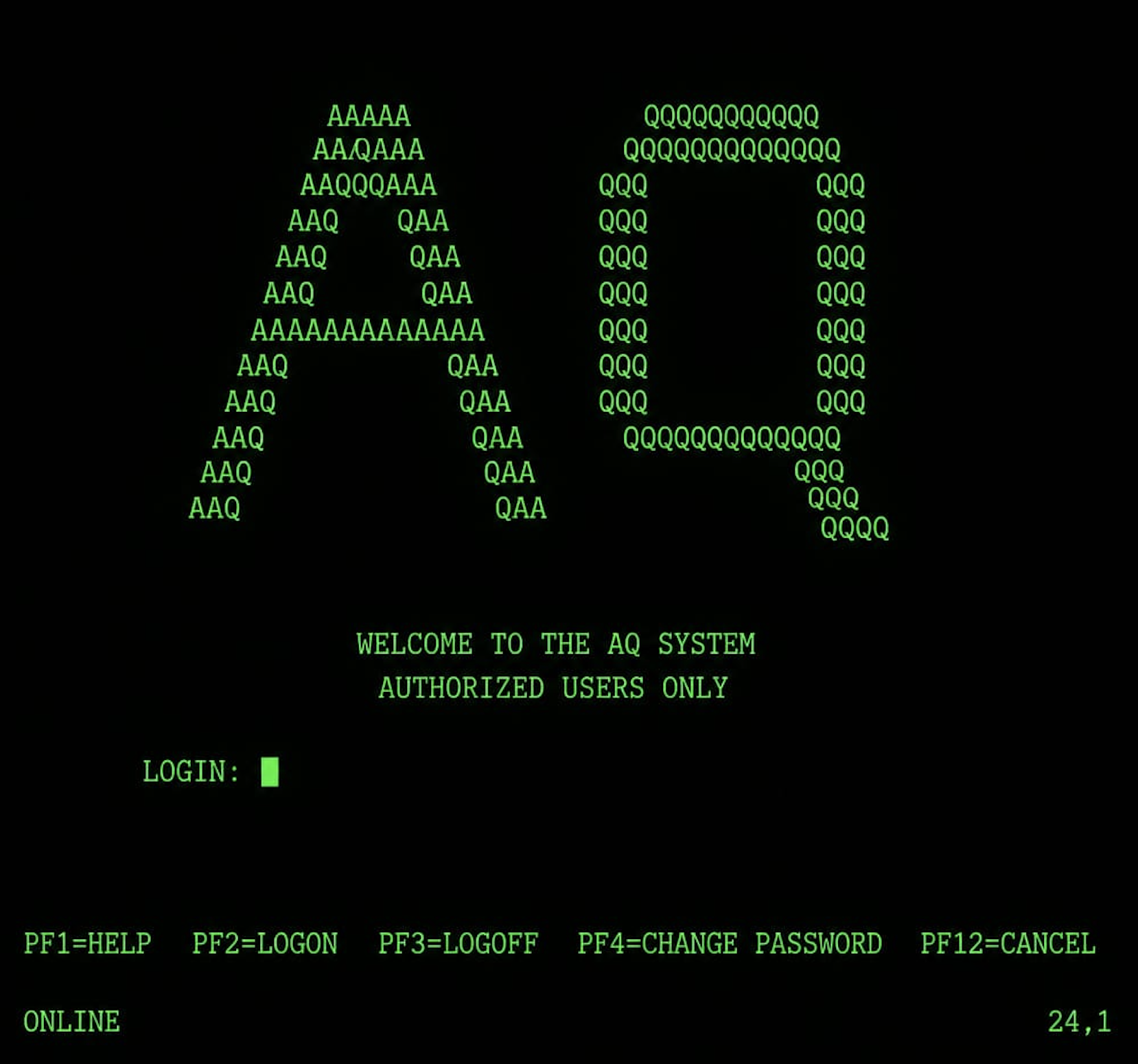
AQ ran on MVS/ESA. From the user’s seat, every interaction was a 3270 block-mode terminal: you didn’t type interactively the way you do at a modern shell — you filled in fields on a screen, pressed Enter (or a PF key), the entire screen went to the host, the host processed it, and a new entire screen came back. Round-trip latency was small only by the standards of the day. The medium shaped the workflow.
Hundreds of developers shared this system. They edited PL/X (IBM’s internal PL/I dialect, used for systems work and OS components) and System/370 assembler. They submitted batch compile jobs to JES2. They scheduled printouts (yes, printouts — a real cabinet of green-bar paper down the hall) or browsed compile output online. The two universal pain points of every developer’s day were:
- Authoring is slow because most of what a working programmer types every day is repetitive boilerplate — IF/ELSE framing, DO/END loops, DCL declarations, PROC headers, MACRODEF blocks — and the editor gives you no help avoiding it.
- Turnaround is slow because submitting a compile job means joining a queue, and on a busy day that queue could be an hour long. By the time results came back, you had context-switched to a different program four times.
Two colleagues built tools to push back on each of those. They were exactly the kind of internal productivity tooling that did not exist as products on the open market in 1985 — IDEs were a Macintosh / Smalltalk lab curiosity, Emacs existed but was a Unix-room thing not a mainframe thing, and the average corporate mainframe shop ran whatever editor IBM happened to ship. Internal tools filled the gap, and the good ones spread by reputation.
PL/EDIT — Templates Before They Were a Word
A colleague (whose name I am withholding here, since I have not asked their consent to publish it forty years on) wrote PL/EDIT. The premise was simple: most of what a PL/X programmer typed was boilerplate. The first three lines of every IF block. The DO/END framing of every loop. The DCL statements at the top of every record declaration. The PROC header with its parameter list and RETURNS clause. The MACRODEF blocks. None of it was creative work. All of it was syntax.
PL/EDIT replaced character-by-character authoring with trigger-driven template expansion. You typed a short trigger like IF and pressed F4, and the editor expanded the trigger into a full IF/ELSE block with named fill fields. You pressed Tab to advance through the fields, Shift-Tab to go back. F4 cost one extra round trip to fetch the expanded screen, and the trade was easy: a few characters of trigger plus one round trip, in exchange for not typing the dozen-plus characters of boilerplate by hand.
The triggers covered every form a working programmer touched dozens of times a day — IF/ELSE blocks, DO WHILE and counted DO loops, SELECT/WHEN dispatch, scalar and record declarations, PROC headers with parameter lists and return types, CALL and RETURN, inline-assembler blocks, the macro-definition forms used for code generation. A help button opened the active trigger list; a Format button re-indented block structure that had gotten ragged.
This is exactly the model that snippets, IDE templates, and YAS-snippet would later mainstream in the 1990s and 2000s. PL/EDIT did it in the mid-1980s. It was not the first template editor anywhere — TECO and Emacs had abbrev-mode, and similar systems had snippets — but it was the only one that hundreds of us had access to, and the productivity difference between using it and not was night and day.
PL/EDIT on COR24 PL/SW

The COR24 PL/SW live demo is a Yew/WebAssembly application that hosts the PL/SW compiler, COR24 emulator, and a small source editor entirely in the browser. PL/EDIT is implemented there as a hotkey-driven editing mode you toggle with the PL/EDIT button in the editor header. The mechanism is faithful to the original idea: type a trigger, press F4 (or Ctrl+Space), and the trigger expands into a template with fill fields. Tab advances through fields; Shift+Tab goes back; Ctrl+Enter inserts a newline inside block content.
The PL/SW source-editor trigger set:
| Trigger | Expansion |
|---|---|
IF / IFS |
IF/ELSE block; single-statement IF |
DW / DO |
DO WHILE; counted DO |
SEL / WHEN |
SELECT/WHEN dispatch; WHEN branch |
DCL / REC / BASED |
scalar / level / BASED record declaration |
P / PR / NAK |
PROC; PROC with RETURNS; OPTIONS(NAKED) PROC |
ASM |
ASM DO block (inline assembler) |
CALL / RET / RETV / G |
CALL; RETURN expression; void RETURN; GOTO |
Plus a complementary set for .msw macro-include files (a PL/SW invention — .msw is the PL/SW analogue of a header file with macro power): MD for MACRODEF, REQ/OPT for required/optional parameters, GEN for GEN DO blocks, INC for %INCLUDE, INV for invocation. The ? button shows the active trigger list. Format does PL/I-style re-indentation of block structure (PROC, IF/THEN/ELSE, DO WHILE, counted DO, SELECT/WHEN/OTHERWISE, ASM DO, GEN DO, MACRODEF, multi-line DCL records). Full reference in docs/pl-edit.md.
Mass Compile — Submitting Jobs for Programs You Had Not Written Yet
A different colleague tackled the turnaround problem with Mass Compile.
The naive workflow on AQ went: edit a program, save it, submit a compile job, wait. The wait could be five minutes; it could be an hour. Whatever the wait was, you context-switched, and when results came back you context-switched back. If you had a stack of related changes across several programs, you submitted them serially — finish program A, submit, wait, switch to program B, edit, save, submit, wait. The queue and the editor were unsynchronized: time you spent editing was time the compile queue was not running on your behalf.
Mass Compile was a screen — a single 3270 panel — where you could schedule a batch of compile jobs in advance. The trick the screen made possible was the one I still find astonishing: you could submit compile jobs for programs you had not written yet. The compiler did not know that. The compiler did know that when its turn arrived in the queue, it would go look up the named source member in the editor’s working storage and compile whatever was there at that moment. So:
- You scheduled jobs for programs A, B, C, D — four compiles, queued in order.
- While the queue waited for A’s slot to open, you finished editing A.
- While A was compiling, you finished editing B.
- While B was compiling, you finished editing C.
- While C was compiling, you finished editing D.
The queue and the editor were now synchronized: every minute the queue spent moving forward was a minute the editor spent moving forward. The total wall-clock time to compile four related changes dropped from “four queue-waits in series” to “one queue-wait plus four edits in parallel with three compiles.”
The catch was the file lock. The editor held an OS-level file lock on each source member while you were editing it; JES2 needed the same lock to read that source when the compile job reached the head of the queue. If your job got there before you finished editing, JES2 waited on you. Messages would scroll into the bottom of your screen telling you, then telling you more emphatically, that a compile job was blocked waiting for your editor to release the lock. Senior engineers learned the social cost of holding the queue on a busy day; you did not want operations or your manager to start wondering why nobody else’s compiles were moving.
This was, in its own way, the first JIT-style “compile under pressure” workflow I ever saw. The compile job did not block on the source being final at submit time. The source was final as of the moment JES2 acquired the file lock, not as of submission. Speculative scheduling, OS-level file-lock arbitration, and a small dose of social pressure to keep you honest. The trick has not really gone away — modern build systems (Bazel, Buck, Cargo) all have variations on “kick off compute against the inputs as soon as they stabilize,” and CI systems do something analogous with branch-based job queues. But none of them show you the queue moving the way the AQ Mass Compile screen did.
Mass Compile on COR24 PL/SW
The COR24 PL/SW live demo has no JES2 and no OS-level file locks — it runs entirely in WebAssembly with the compiler and emulator embedded in the page. What the demo does preserve is the speculative-scheduling shape and the queue-vs-edit pacing, recast as a homage rather than a faithful port.
Open the dialog from the source editor’s action row. The left panel is a job list; you add rows, pick demos, optionally edit per-row scratch source, then Submit (one row) or Submit All (every row). Jobs run sequentially through the states queued → compiling → assembling → running → complete (or failed). Submitted jobs do not modify the bundled demo source; they compile from browser drafts. If a queued job has no scratch edit, it snapshots the current draft for that demo when the job enters the compiling state, not when the job is queued. So you can keep editing program A while program B is compiling.
The lock-in-spirit is the waiting state. If a queued job reaches the head of the queue while its scratch editor is still dirty (you have not pressed Save), the job state changes to waiting and the queue stops there until you save. That is not a file lock; it is a save-vs-unsaved sentinel. The mechanism is different from JES2’s; the role it plays is the same — the queue does not move until your edit is committed.
Full reference in docs/mass-compile.md.
Why These Two Keep Coming Back
PL/EDIT and Mass Compile are about making each interaction with a slow system carry more weight. PL/EDIT trades a single F4 round trip for a dozen-plus characters of typing you would otherwise do by hand; Mass Compile lets the queue move while you keep editing. Both are productivity multipliers in environments where the dominant cost is wait time.
I keep finding the same shapes today, in different surfaces:
- Snippets and LSP scaffolds in modern editors are PL/EDIT’s children: type a trigger, get a templated form with fill fields. Same idea: stop typing the boilerplate, fill in only the parts that change.
- CI parallelism, build queues, and content-addressed caches are Mass Compile’s children: do not block on the source being final at submit time; do the expensive thing as late as possible against whatever inputs are stable; let the queue move forward in parallel with editing. sw-launcher’s cache-key formula is a content-addressed version of the same idea — the work runs against the inputs that exist when it runs, not when it was scheduled.
- AI agents working from a queue of tasks are Mass Compile’s grandchildren: submit a sequence of work items; let the agent process them while you keep going; surface warnings when an item is blocked on input you have not provided yet.
The 1980s mainframe shop was not primitive. It was constrained — a different set of constraints than today’s, but the people working in it solved their constraints with surprising elegance, and the productivity tooling that survived from that era keeps re-emerging in modern surfaces because the underlying problems — slow authoring, slow turnaround, queue contention — have only changed in detail. The medium changes; the moves stay.
If you have a few minutes, the live demo is worth poking at. Type IF and press F4. Open Mass Compile, add a few rows, edit one of them while the queue runs ahead. The 3270 is gone; the workflow is intact.
Login AUTHORIZED USERS ONLY. ONLINE 24,1.
Part 10 of the Throwback Thursday series. View all parts
Comments or questions? SW Lab Discord or YouTube @SoftwareWrighter.