
music-pipe-rs: Web Demo and Multi-Instrument Arrangements
697 words • 4 min read • Abstract
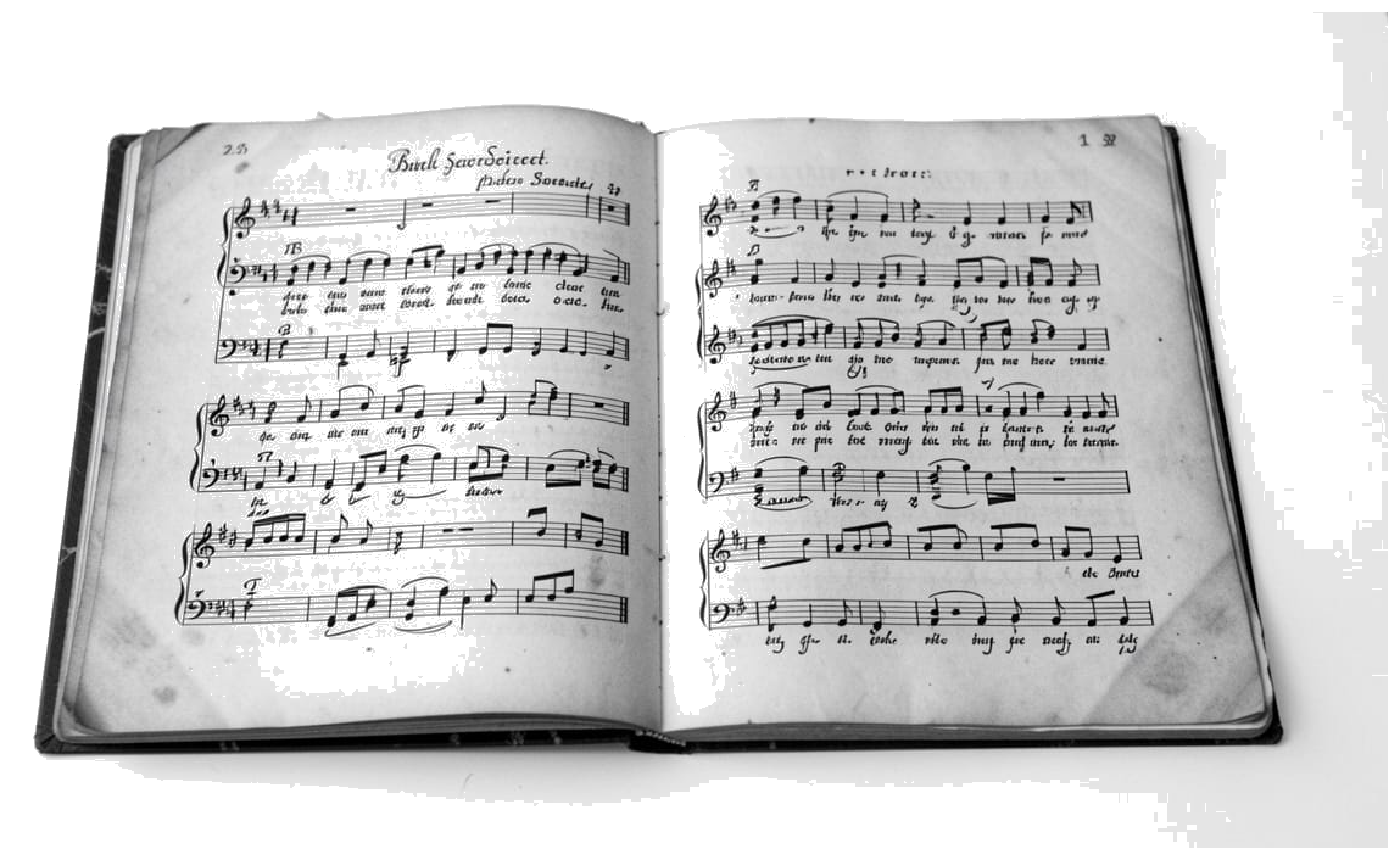
Since the initial music-pipe-rs post, the project has grown. There’s now a web demo with playable examples, a new seq stage for explicit note sequences, and multi-instrument arrangements that work in GarageBand.
| Resource | Link |
|---|---|
| Video | YouTube |
| Live Demo | music-pipe-rs Samples |
| Source | GitHub |
| Previous | Unix Pipelines for MIDI |
Web Demo
The live demo showcases pre-built examples with playable audio:
| Tab | Style | Description |
|---|---|---|
| Bach Toccata (Organ) | Classical | Multi-voice church organ with octave doubling and pedal bass |
| Bach Toccata (8-bit) | Chiptune | Gyruss-inspired arcade version with square wave |
| Bach-esque | Algorithmic | Procedurally generated baroque-style background music |
| Baroque Chamber | Ensemble | Six-channel piece with strings, harpsichord, and recorder |
Each tab shows the pipeline script alongside playable audio. See exactly what commands produce each result.
The seq Stage
The new seq stage allows explicit note sequences instead of algorithmic generation:
seed | seq "C4/4 D4/4 E4/4 F4/4 G4/2" | to-midi --out scale.mid
Notation: NOTE/DURATION where duration is in beats. Combine with other stages:
seed | seq "D5/4 C#5/8 R/4 B4/4" | transpose --semitones 5 | humanize | to-midi --out melody.mid
The R represents rests. This enables transcribing existing melodies or composing precise phrases.
Multi-Instrument Arrangements
The Baroque chamber piece demonstrates six-channel composition:
{
    seed 42 | seq "..." --ch 0 --patch 48;  # Strings melody
    seed 42 | seq "..." --ch 1 --patch 6;   # Harpsichord
    seed 42 | seq "..." --ch 2 --patch 74;  # Recorder
    # ... additional voices
} | humanize | to-midi --out baroque.mid
Each instrument gets its own channel and General MIDI patch. The same seed ensures timing coherence across parts.
GarageBand Integration
Import the MIDI files directly into GarageBand:
- Generate arrangement:
./examples/trio-demo.sh - Open GarageBand, create new project
- Drag the
.midfile into the workspace - GarageBand creates tracks for each channel
- Assign software instruments to taste
The demo includes a jazz trio arrangement:
- Piano: Bluesy melody with chords and swing
- Bass: Walking bass line with acoustic bass patch
- Drums: Hi-hat, snare, kick with dynamic variation
All generated from pipeline scripts.
Inspiration
This project was inspired by research into generative music tools and techniques:
References
| Topic | Link |
|---|---|
| Analog Synthesizers | Code Self Study |
| Drum Synthesis | JavaScript Drum Synthesis |
| Generative Music | Code Self Study |
| Music Projects | Software and Hardware |
| FOSS Music Tools | Open Source Music Production |
| Eurorack Programming | Patch.Init() Tutorial |
| Opusmodus | Algorithmic Composition in Lisp |
The key insight from Opusmodus: algorithmic composition isn’t random music—it’s programmable composition. Motif transformation, rule systems, deterministic generation. music-pipe-rs brings these ideas to Unix pipes.
What’s Next
The pipeline architecture makes extension natural:
- More generators: Markov chains, L-systems, cellular automata
- More transforms: Inversion, retrograde, quantization
- Live mode: Real-time MIDI output with clock sync
Each new capability is just another stage in the pipeline.
| Series: Personal Software (Part 5) | Previous: music-pipe-rs: Unix Pipelines |
Disclaimer
You are responsible for how you use generated audio. Ensure you have the appropriate rights and permissions for any commercial or public use. This tool generates MIDI data algorithmically—how you render and distribute the final audio is your responsibility.
Be aware that algorithmic composition can inadvertently produce sequences similar to existing copyrighted works. Whether you use this tool, AI generation, or compose by hand, you must verify that your output doesn’t infringe on existing copyrights before public release or commercial use. Protect yourself legally.
Part 5 of the Personal Software series. View all parts