TBT (4/?): ToonTalk - Teaching Robots to Program
1069 words • 6 min read • Abstract
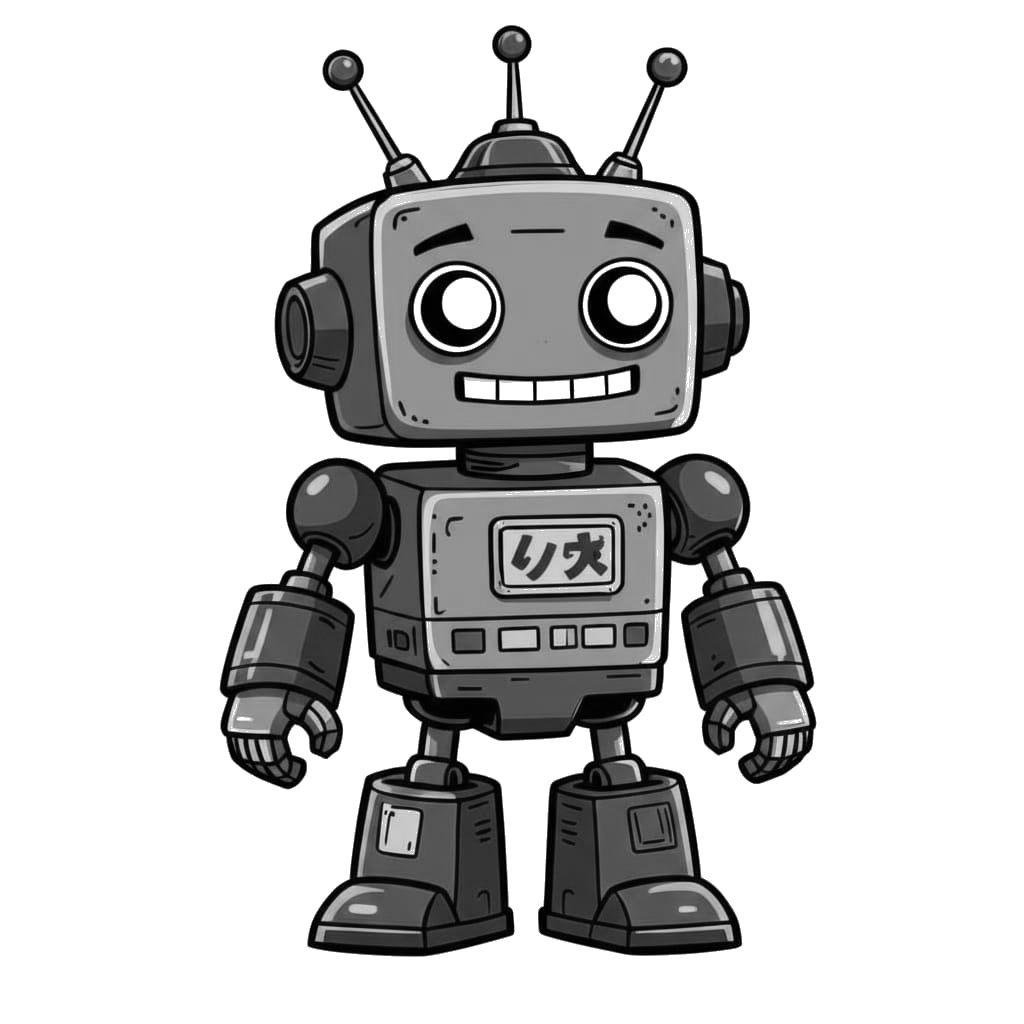
I first discovered ToonTalk during the Windows XP era—probably around 2003 or 2004. It was unlike anything I’d seen: a programming environment disguised as a video game where you trained robots by showing them what to do. The concept stuck with me for two decades.
| Resource | Link |
|---|---|
| Video | ToonTalk in Rust |
| tt-rs Demo | Live Demo |
| tt-rs Repo | tt-rs |
What is ToonTalk?
ToonTalk is a visual programming environment created by Ken Kahn in 1995. The “Toon” stands for cartoon—every abstract programming concept is mapped to a concrete, animated metaphor:
| Concept | ToonTalk Metaphor |
|---|---|
| Variables | Boxes with numbered holes |
| Values | Numbers, text, images in boxes |
| Comparison | Scales that tip when values differ |
| Functions | Robots that watch and learn |
| Message passing | Birds that carry items to nests |
| Garbage collection | Trucks that haul away unused items |
The design was influenced by games like The Legend of Zelda and Robot Odyssey—the kind of games that made you think while you played.
Programming by Demonstration
The core idea is radical: you don’t write code, you show a robot what to do.
- Create a robot and put it in “training mode”
- Perform actions while the robot watches (move items, compare values, etc.)
- The robot records your actions as a program
- Give the robot a box matching the training pattern—it executes the learned behavior
This is programming by demonstration. The robot generalizes from your example, matching patterns and applying transformations. It’s the same conceptual model as teaching a child: “Watch what I do, then you try.”
Three Generations
ToonTalk has existed in three forms:
| Version | Era | Technology |
|---|---|---|
| Original ToonTalk | 1995-2009 | C++, 3D desktop application |
| ToonTalk Reborn | 2014-2017 | JavaScript/jQuery web app |
| tt-rs | 2025-2026 | Rust/WebAssembly/Yew |
The original was a full 3D world—cities, houses, helicopters, even bombs for debugging. Ken Kahn later created ToonTalk Reborn, a simplified JavaScript version that runs in browsers.
Why I Built tt-rs
When I rediscovered ToonTalk Reborn a few years ago, I wanted to experiment with the concepts myself. But diving into a large jQuery codebase wasn’t appealing. So I did what any reasonable person would do: I vibe coded my own version in Rust.
tt-rs is a modern reimplementation using:
- Rust for core logic
- WebAssembly for browser execution
- Yew for reactive UI
- SVG/CSS for graphics and animations
It’s not a port—it’s a fresh implementation inspired by the same ideas. Building it myself lets me understand the concepts deeply and experiment with variations.
Three Learning Levels
The demo introduces concepts progressively through three levels:
| Level | Concepts | Widgets |
|---|---|---|
| tt1 | Basics | Numbers, boxes, scales, wand, vacuum |
| tt2 | Messaging | Birds and nests for communication |
| tt3 | Automation | Sensors (time, random) + robots |
Level one covers the fundamentals: numbers with arithmetic, boxes as containers, scales for comparison, and tools for copying and removing. Level two adds asynchronous messaging—birds carry items to their paired nests. Level three brings sensors that produce values and robots that automate actions.
Current Features
The live demo includes:
Widgets:
- Numbers: Rational arithmetic with +, -, *, / operators
- Boxes: Configurable containers with 0-9 holes (resize with keyboard)
- Text: Basic text display
- Scales: Visual comparison that tips when values differ
- Robot: Training mode, action recording, execution
- Bird/Nest: Message passing with pairing and delivery
- Sensors: Time (milliseconds) and random number generation
Tools:
- Wand: Copy any widget
- Vacuum: Remove widgets
- Magnifier: Inspect nest message queues and robot actions
Interactions:
- Drag-and-drop with visual feedback
- Box joining (drop box on edge of another)
- Box splitting (drop box on a number)
- Contextual help panel with level-specific content
- Puzzle system with animated “Show Me” demos
Robot Training
The core feature is programming by demonstration:
- Click robot to enter training mode (yellow glow indicates “I’m watching”)
- Perform actions while the robot records (arithmetic, copy, remove, move to box)
- Click robot again to stop training
- Click robot to replay—it executes the recorded sequence
The tutorials demonstrate this workflow step by step. In the “Train Robot” tutorial, you teach a robot to move a number into a box. In “Robot Sensors,” you train a robot to generate random numbers, apply modulo, and send results to a nest via a bird.
Interactive Tutorials
Each tutorial has two parts:
- Show Me: Watch an animated demonstration where a cursor walks through the solution
- Practice: Try it yourself with the same widgets
The tutorials cover:
- Fill a box with numbers
- Add numbers together
- Copy widgets with the wand
- Send messages with birds and nests
- Train your first robot
- Combine robots with sensors
What’s Next
The immediate priorities:
- Pattern matching - Robot generalizes from specific values to “any number”
- Watched execution - See robot work step-by-step with animated cursor
- Persistence - Save and load workspaces
Long term, I’d like to add the 3D elements from the original—the cities, the houses, the helicopter view. But that’s a much larger project.
The Enduring Appeal
What makes ToonTalk fascinating isn’t just the visual metaphors—it’s the computational model. Under the hood, ToonTalk implements concurrent constraint logic programming. The robots are essentially guarded Horn clauses. The birds and nests implement the actor model.
Heavy concepts, but you don’t need to know any of that to use it. You just train robots by example. The abstraction is complete.
That’s why it stuck with me for twenty years. Good abstractions are rare. When you find one, it’s worth understanding deeply.
References
| Resource | Link |
|---|---|
| ToonTalk Website | toontalk.com |
| ToonTalk on Wikipedia | Wikipedia |
| ToonTalk Reborn (JS) | github.com/ToonTalk/ToonTalk |
| ToonTalk Reborn Demo | toontalk.github.io/ToonTalk |
| ToonTalk Reborn Wiki | Wiki |
| Ken Kahn’s Page | Ken Kahn |
| Original Paper (1995) | ERIC - ToonTalk: An Animated Programming Environment |
| Ken Kahn’s Research | Academia.edu |
Some ideas are worth rediscovering. ToonTalk is one of them.
Part 4 of the Throwback Thursday series. View all parts | Next: Part 5 →